
Sign up
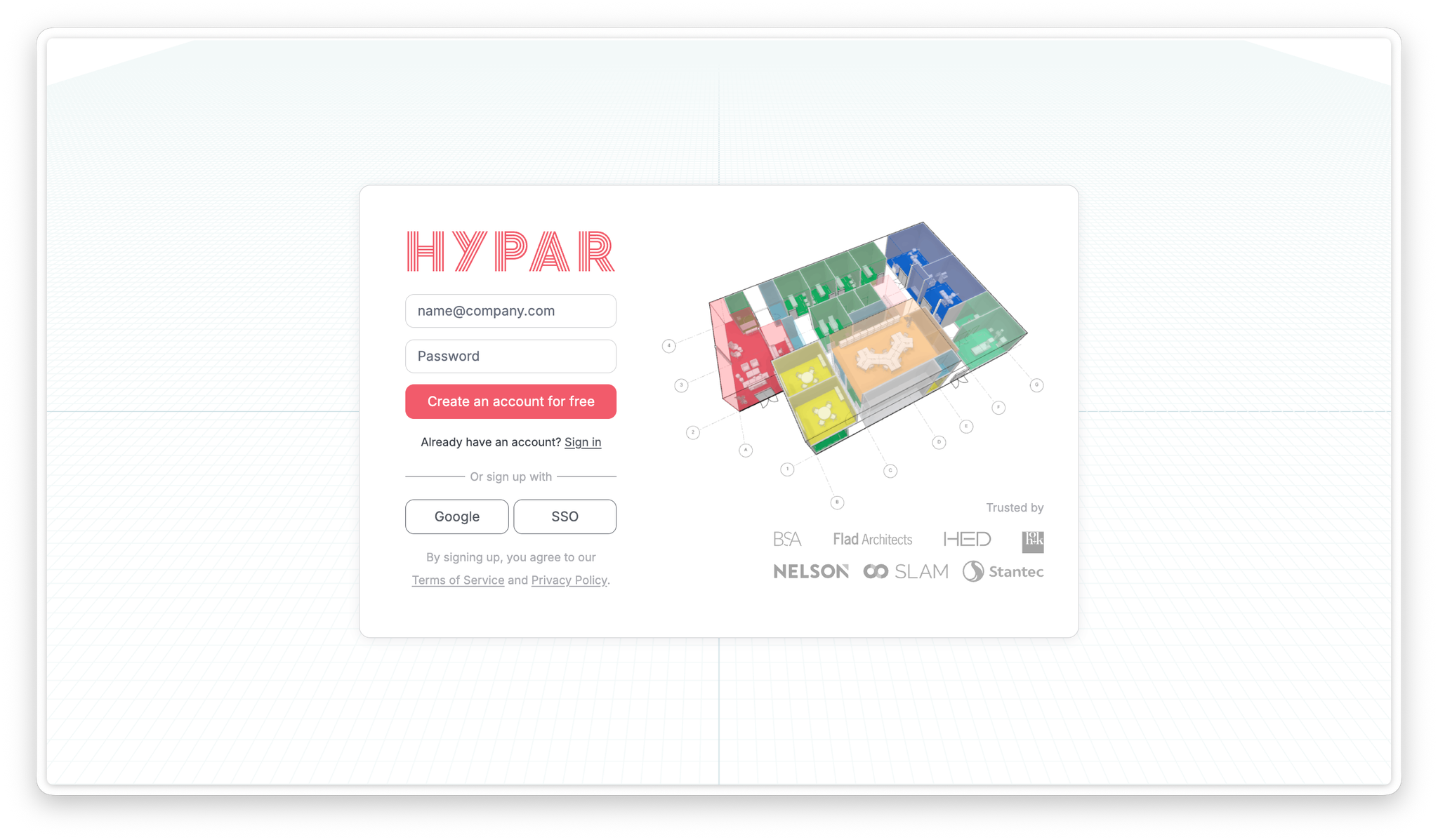
- Go to hypar.io and click Sign up. No credit card is required.
- Sign up with your email address, or use Continue with Google.
- If your organization uses single sign-on, choose SSO on the sign-in page. (Admins: see Single sign-on (SSO) in Account & Admin to set this up.)
Personal plan and upgrading
You start on Personal, Hypar's free plan. It includes up to 3 projects and is not licensed for professional project work. Paid client work needs a Professional seat.
Upgrading unlocks:
- Unlimited projects
- Clearances (automatic clash detection)
- DWG import
- Shared space and furniture libraries
- Design options
- Live links (view-only sharing with a single link)
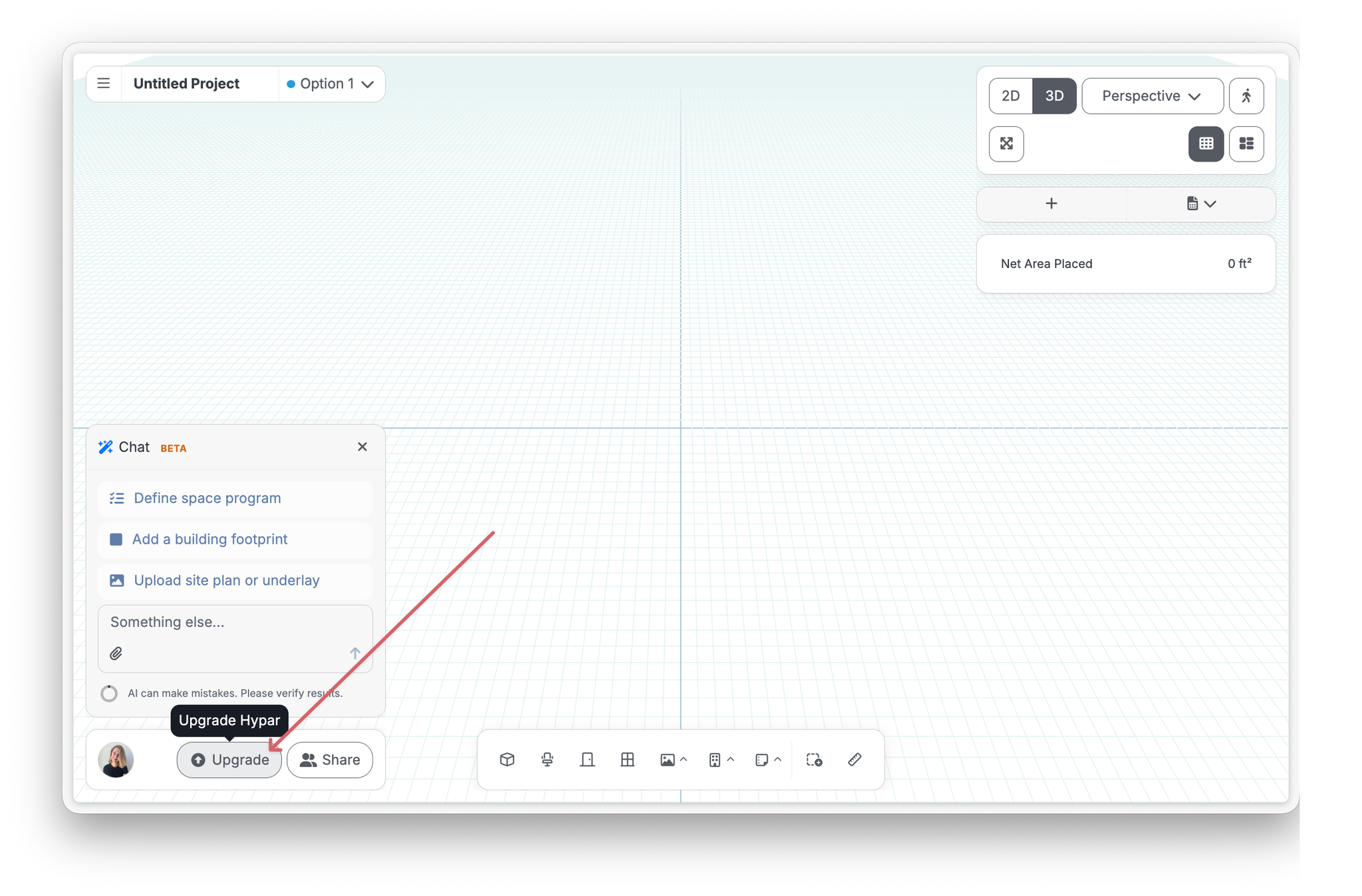
To upgrade, click Upgrade in the app (bottom left).
Set your preferences
Open Preferences from the user menu in the bottom left of the screen to set:
- Language: English, German, Spanish, French, or Japanese.
- Usage analytics & session replay: turn optional analytics and session recordings on or off.
Last verified against Hypar v0.2.037 — September 4, 2026.