
Share a project
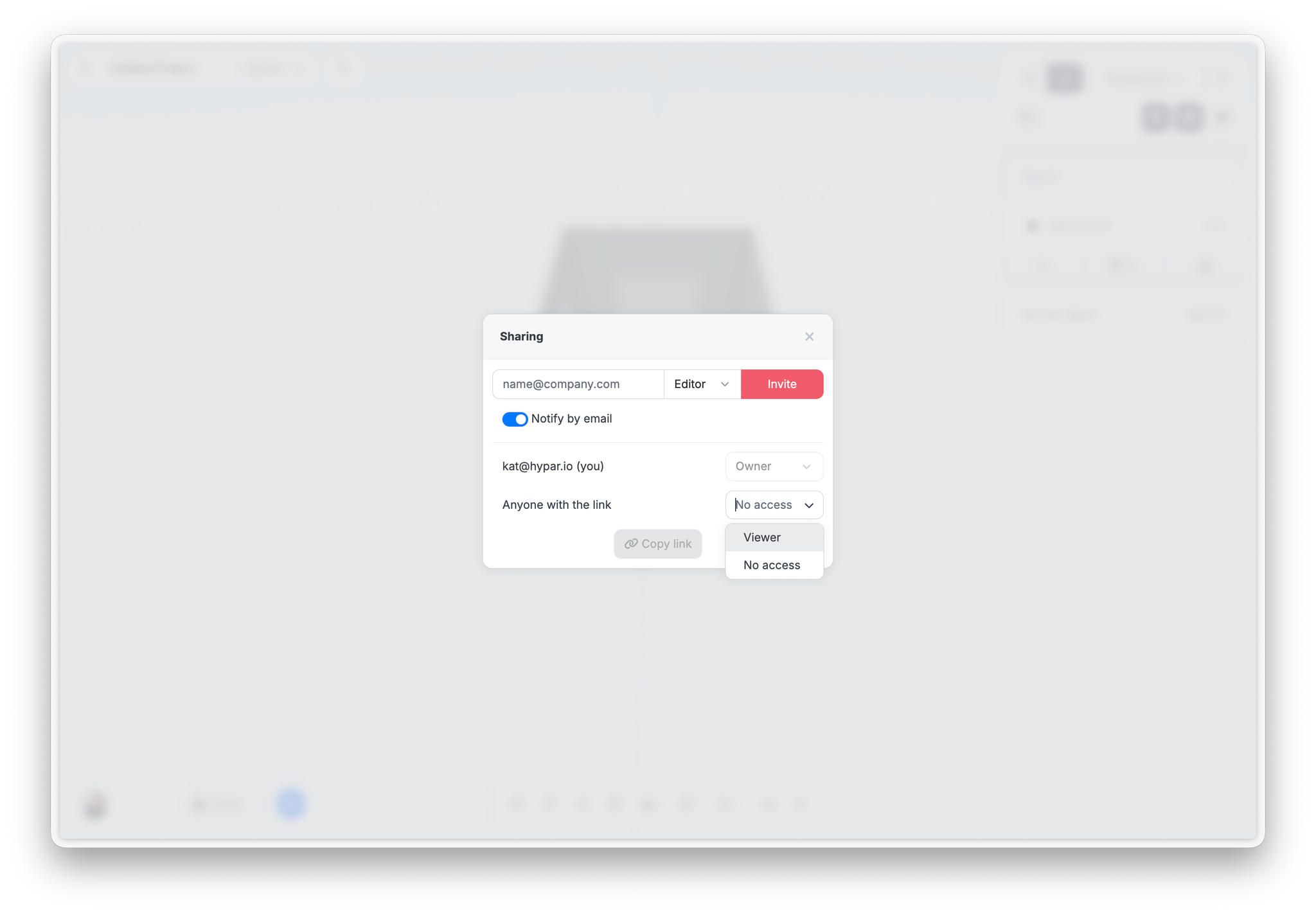
Click Share (bottom-left; at the top on a phone) to open sharing. Only the project's owner sees Share.
- Invite by email with a permission level: Viewer (view only) or Editor (full editing). The project creator is the Owner.
- Notify by email is on by default. Clear it to share without sending an email.
- Add a note to the invite email (optional, up to 500 characters). The note box appears when Notify by email is on and the address you typed doesn't already have access to the project.
- If an invite doesn't go through, Hypar tells you in the dialog: "Couldn't share with (their email). Try again." means the person was not added; your entry stays in the field so you can click Invite again. "Shared with (their email), but the email didn't send." means they have access but weren't notified, so send them the link yourself.
- Remove access anytime; the person can be re-invited later.
Live links (💎 paid feature)
Set Anyone with the link access to share a view-only live link. Copy link grabs the URL. Anyone who opens the link still needs to sign in or create a Hypar account to view your project.
Working together
Multiple editors can work in the same project; you will see collaborators' avatars in the bottom left in the app but will not see their cursors.
If Hypar asks you to refresh
If Hypar loses its connection to the project, a Connection lost dialog appears and asks you to refresh the page. Refresh when you see it. The dialog blocks editing until you do, so there is no way to keep working in that tab.
Deleting shared projects
Deleting a project that others have access to warns you: collaborators lose access, and deletion cannot be undone.
You cannot delete or share a project that you are not the owner of.
Last verified against Hypar v0.2.047 — October 19, 2026.